
Ray
Use Ray Data with RustFS as S3-compatible storage for dataset writes and reads.
This guide connects Ray — the distributed AI and Python compute framework — to RustFS through Ray Data's S3 filesystem support. You will run a Ray job inside the official image, write a dataset as Parquet to a RustFS bucket, read it back, and verify the objects. The workflow was verified with rayproject/ray:2.44.0-py311 (Ray 2.44, pyarrow filesystem) and rustfs/rustfs-x86-musl:v2.3.1.
You need Docker. This deployment is intended for local integration testing, not production.
Architecture
Ray Data reads and writes datasets through pyarrow's S3FileSystem. Passing an S3FileSystem configured for RustFS redirects every dataset operation — Parquet, CSV, JSON — to the bucket.
Create the job file
Create the script, replacing all connection placeholders:
import ray
ray.init(ignore_reinit_error=True)

import pandas as pd
from pyarrow.fs import S3FileSystem

fs = S3FileSystem(
    endpoint_override="http://<your-rustfs-endpoint>:9000",
    access_key="<your-access-key>",
    secret_key="<your-secret-key>",
    region="us-east-1",
)

df = pd.DataFrame({"id": range(5), "value": [x * 1.5 for x in range(5)]})
ds = ray.data.from_pandas(df)
ds.write_parquet("my-bucket/ray-demo/events/", filesystem=fs)

back = ray.data.read_parquet("my-bucket/ray-demo/events/", filesystem=fs).take_all()
print("rows:", len(back))
print("sample:", back[0])
ray.shutdown()
endpoint_override takes the full endpoint URL including the scheme. pyarrow's S3FileSystem uses path-style requests for custom endpoints, so no extra flag is needed. The same filesystem object works for write_csv, read_json, and the other Ray Data methods.
Run the job
Run the script in the Ray image on the same Docker network as RustFS:
docker run --rm --network oo-rustfs_default \
  -v "$PWD/ray_s3.py":/tmp/ray_s3.py \
  rayproject/ray:2.44.0-py311 python /tmp/ray_s3.py
rows: 5
sample: {'id': 0, 'value': 0.0}Verify objects in RustFS
List the dataset prefix:
rc ls rustfs/my-bucket/ray-demo/ -rRay Data wrote the dataset as a Parquet block:
ray-demo/events/0_000000_000000.parquet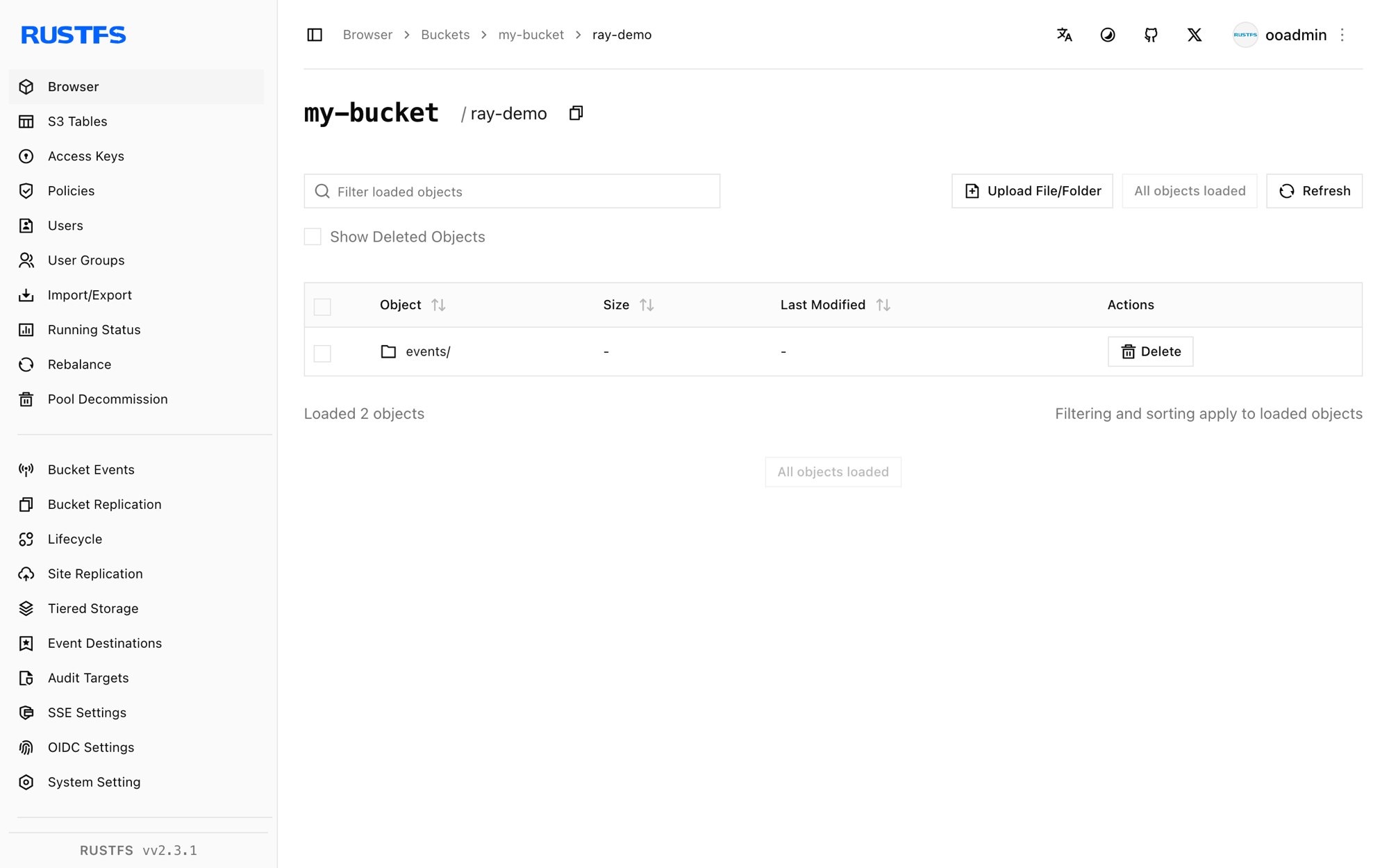
Stop or reset
Ray Data holds no state of its own. To delete the demo dataset:
rc rm rustfs/my-bucket/ray-demo/ --recursive --forceTroubleshooting
Unable to connect to endpoint or timeouts
Confirm endpoint_override includes the scheme and is reachable from the Ray container. Inside a Compose network the hostname is rustfs; from the host use http://localhost:9000.
Access Denied on write
Confirm the access key and secret key are passed to S3FileSystem itself — Ray does not read the container's AWS environment variables through this code path.
Next steps
- Review S3 compatibility notes before adopting additional Ray operations.
- Create dedicated production credentials with Access Key Management.
- Follow the Ray Data documentation to chain transformations, training ingestion, and checkpointing on the same bucket.