
RustFS Bucket Deletion
Delete buckets using the RustFS UI, rc, or the S3 API.
This guide explains how to delete buckets using the RustFS UI, rc, or the S3 API.
Requirements
- Install and configure
rcbefore using the command-line workflow. - Empty the target bucket before deleting it, or use
--forceonly after reviewing the objects that will be removed.
Warning: Deleting a bucket is irreversible and may break applications relying on it. Ensure you have backed up any necessary data before proceeding.
Using the RustFS UI
- Log in to the RustFS Console.
- On the homepage, select the bucket you want to delete.
- On the far right, select the Delete button.
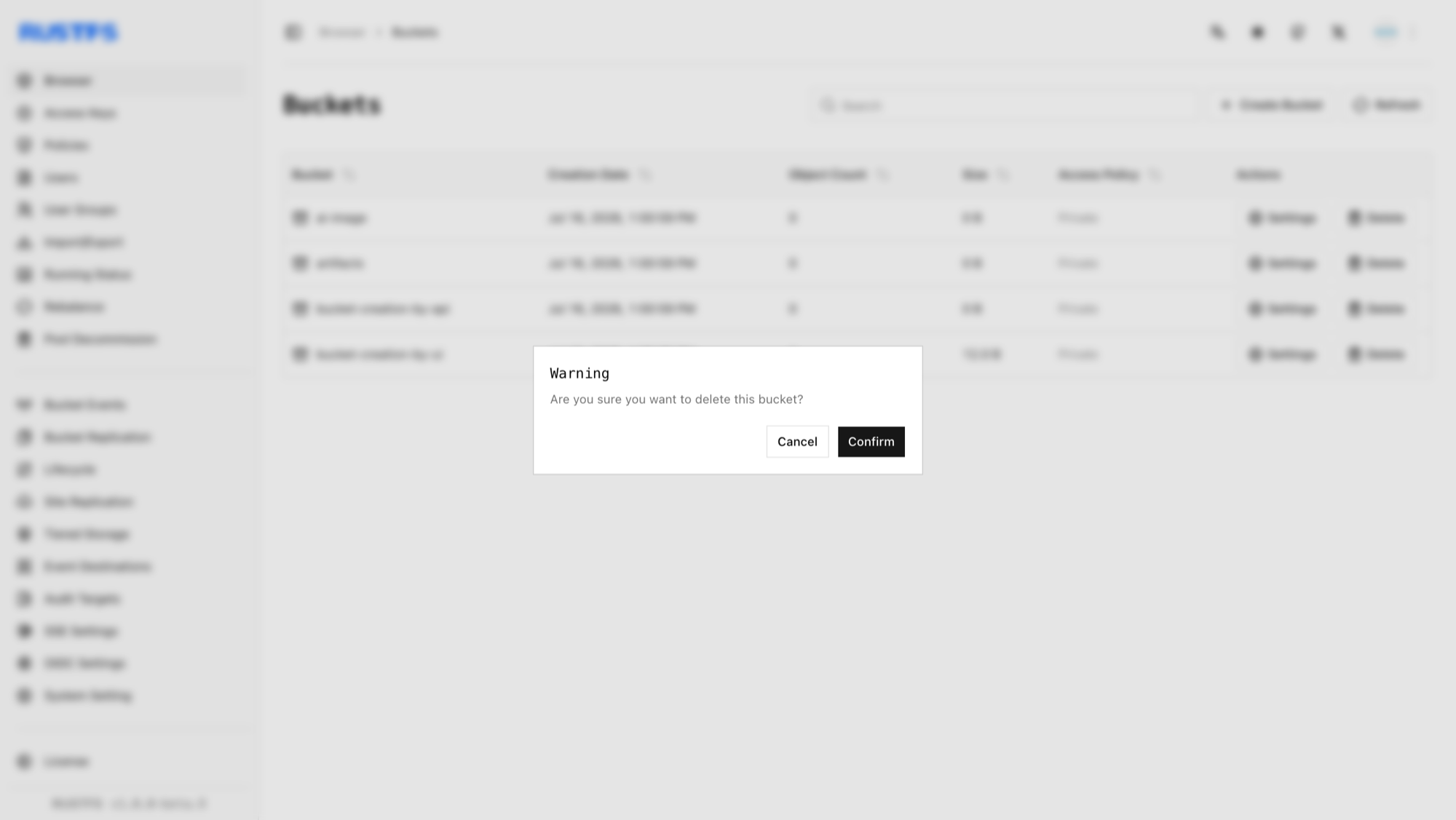
- In the popup dialog, click Confirm to complete bucket deletion.
Using rc
See the rc guide for installation and alias configuration.
Delete a bucket:
rc bucket remove rustfs/my-bucket✓ Bucket 'rustfs/my-bucket' removed successfully.Using the API
Delete a bucket via API:
DELETE /{bucketName} HTTP/1.1S3 requests must be signed with AWS Signature V4, so use an S3 client rather than hand-crafting headers. With the AWS CLI configured for your access keys:
aws s3api delete-bucket \
  --bucket bucket-creation-by-api \
  --endpoint-url http://localhost:9000
Verify the bucket deletion in the RustFS Console.