
RustFS Single Node Single Disk Installation
Install RustFS on a single server that stores all data on one disk.
In Single Node Single Disk (SNSD) mode, one server stores all data on a single data disk. It is the simplest deployment mode and the same topology that the Linux Quick Start script sets up.
Topology and planning
- 1 server, 1 data disk (e.g., an XFS-formatted disk mounted at
/data/rustfs0). - No erasure coding across disks — fault tolerance depends entirely on backups.
- For production deployments, also review the Pre-Installation Checklists.
Prerequisites and service setup
Complete the common prerequisites and service setup — operating system, firewall, time synchronization, disk formatting, service user, binary download, and systemd unit — then continue below.
Configure environment variables
- Create the configuration file with the single-disk volume path:
# Use a unique access key and a strong, random secret (e.g. openssl rand -base64 24)
RUSTFS_ACCESS_KEY=<your-access-key>
RUSTFS_SECRET_KEY=<your-secret-key>
RUSTFS_VOLUMES="/data/rustfs0"
RUSTFS_ADDRESS=":9000"
RUSTFS_CONSOLE_ENABLE=true
RUSTFS_CONSOLE_ADDRESS=":9001"
RUSTFS_OBS_LOGGER_LEVEL=error
RUSTFS_OBS_LOG_DIRECTORY="/var/log/rustfs/"- Create the storage and log directories:
sudo mkdir -p /data/rustfs0 /var/log/rustfs /opt/tls
sudo chmod -R 750 /data/rustfs* /var/log/rustfs
Start and verify the service
- Start the service and enable it to start at boot:
sudo systemctl enable --now rustfs- Verify the service status:
systemctl status rustfs- Check the service port:
netstat -ntpl- View log files:
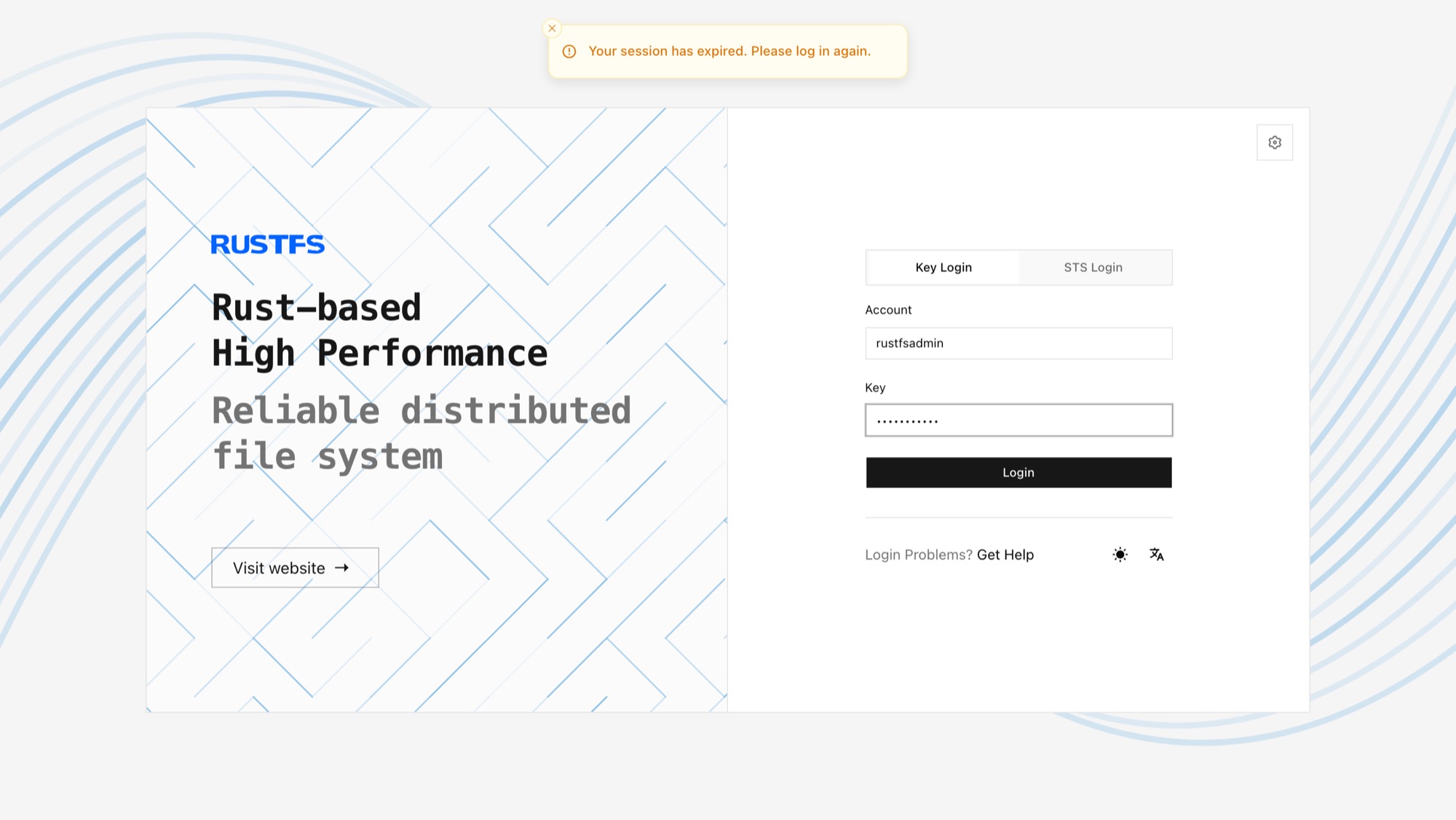
tail -f /var/log/rustfs/rustfs*.log- Open the Console: in a browser, go to
http://<server-ip>:9001. You should see:
Next steps
- Need disk-level redundancy on one server? See Single Node Multiple Disk Mode (SNMD).
- Need a production cluster? See Multiple Node Multiple Disk Mode (MNMD).