
GreptimeDB
以 RustFS 作为 GreptimeDB 的 S3 兼容对象存储后端。
本指南将云原生开源时序数据库 GreptimeDB 连接到 RustFS 作为其对象存储后端。你将启动一个 [storage] 配置指向 RustFS 桶的 standalone 实例,通过 SQL API 写入时序数据,并确认桶内的 Parquet 文件与 manifest。整个流程使用 greptime/greptimedb(main,commit 179ff8e5)对 rustfs/rustfs-x86-musl:v2.3.1 验证通过。
你需要安装 Docker,或本地 GreptimeDB 二进制。本部署用于本地集成测试,不适用于生产环境。
架构
GreptimeDB 把 WAL 和最新数据保留在本地,随后将 SSTable(Parquet)与表 manifest 持久化到对象存储。把存储后端指向 RustFS 后,该桶就是所有表数据的持久化归属地。
配置存储后端
创建桶和一个带 S3 存储段的配置文件,替换全部连接占位符:
[storage]
type = "S3"
bucket = "<your-bucket>"
root = "greptimedb"
access_key_id = "<your-access-key>"
secret_access_key = "<your-secret-key>"
endpoint = "http://<your-rustfs-endpoint>:9000"
region = "us-east-1"
GreptimeDB 对自定义端点默认使用路径风格请求;虚拟主机风格需要显式开启 enable_virtual_host_style,因此对接 RustFS 无需额外参数。
运行 GreptimeDB
以配置文件启动 standalone 实例:
docker run -d --name greptimedb --network oo-rustfs_default -p 4000:4000 -p 4002:4002 \
  -v "$PWD/greptimedb.toml":/etc/greptimedb/greptimedb.toml:ro \
  greptime/greptimedb:latest standalone start \
  --http-addr 0.0.0.0:4000 \
  --mysql-addr 0.0.0.0:4002 \
  --config-file /etc/greptimedb/greptimedb.toml
4000 端口提供 HTTP SQL 端点,4002 提供 MySQL 协议。
写入并查询时序数据
建表、插入、回读。HTTP SQL 端点接受表单编码请求:
curl -s -X POST "http://localhost:4000/v1/sql" \
  --data-urlencode "sql=CREATE TABLE rustfs_demo (host STRING, cpu DOUBLE, mem DOUBLE, ts TIMESTAMP TIME INDEX)"

curl -s -X POST "http://localhost:4000/v1/sql" \
--data-urlencode "sql=INSERT INTO rustfs_demo VALUES (\"node-1\", 0.31, 0.62, 1790681000000), (\"node-1\", 0.35, 0.63, 1790681060000), (\"node-2\", 0.51, 0.71, 1790681000000)"{"output":[{"affectedrows":3}],"execution_time_ms":2}查询回读:
curl -s -X POST "http://localhost:4000/v1/sql" \
--data-urlencode "sql=SELECT * FROM rustfs_demo ORDER BY ts"{"output":[{"records":{"rows":[["node-2",0.51,0.71,1790681000000],["node-1",0.35,0.63,1790681060000]],"total_rows":2}}]}验证 RustFS 中的对象
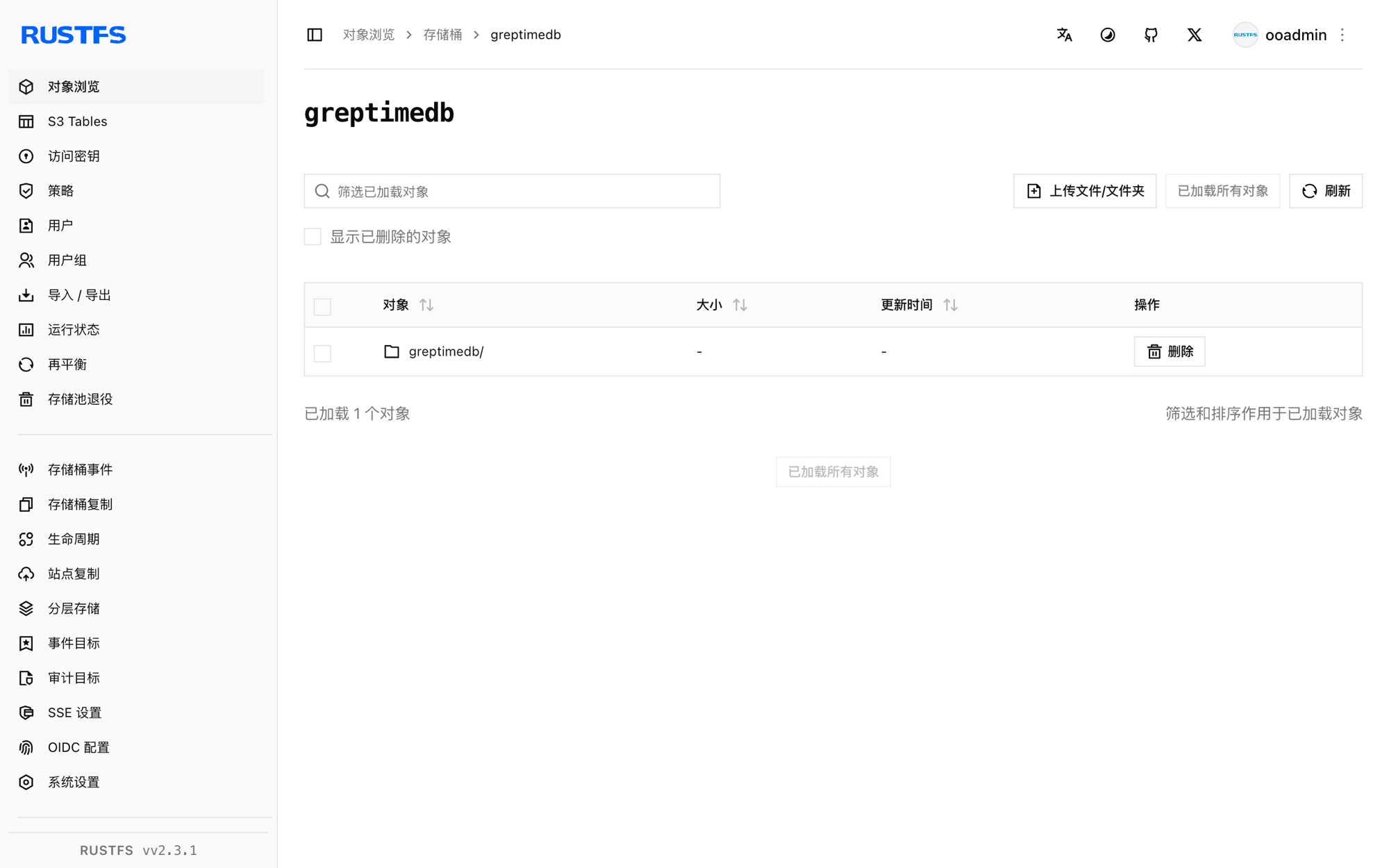
列举桶——memtable 刷盘后,桶内会出现 Parquet SSTable 和 JSON manifest:
rc ls rustfs/<your-bucket>/ -rgreptimedb/data/greptime/public/1024/1024_0000000000/manifest/00000000000000000000.json
greptimedb/data/greptime/greptime_private/1025/1025_0000000000/b11e8b25-5763-4f05-bcab-b6ee0a756a69.parquet
greptimedb/data/greptime/greptime_private/1025/1025_0000000000/manifest/00000000000000000001.json每个数据库在 data/ 下有自己的目录,按 region 存放的 manifest/*.json 描述了查询时读回的 SSTable。
故障排查
Form requests must have Content-Type: application/x-www-form-urlencoded
/v1/sql HTTP 端点只接受表单编码请求体。请用 curl --data-urlencode "sql=..."(或 application/x-www-form-urlencoded)传 SQL,不要用 JSON 请求体。
桶一直是空的
GreptimeDB 异步地把 memtable 刷到对象存储。多写几条并等几秒(或手动触发 flush),再列举桶。
启动时报 S3 错误
确认 endpoint 带协议前缀、桶已创建,且 access_key_id/secret_access_key 与 RustFS 访问密钥匹配。root 可选,但建议保留以便所有表目录都在已知前缀下。
下一步
- 在启用更多 GreptimeDB 存储选项前,先阅读 S3 兼容性说明。
- 使用访问密钥管理创建专用的生产凭证。
- 按照 GreptimeDB 配置参考为生产负载调整 flush 周期与缓存层。