
Alluxio
Cache RustFS buckets with Alluxio for faster reads.
This guide connects Alluxio — the distributed data orchestration layer — to RustFS as an under filesystem (UFS). You will run a standalone Alluxio cluster in Docker, mount a RustFS bucket, read an object through the cache, and write a file back to the bucket through Alluxio. The workflow was verified with Alluxio 2.9.4 against rustfs/rustfs-x86-musl:v2.3.1.
You need Docker with --shm-size 2g capacity (the worker uses a tmpfs ramdisk).
Architecture
Objects read once are cached in the worker's ramdisk; repeated reads are served from memory. Writes through Alluxio land in the bucket as regular objects.
Run the master and worker
The standalone image starts one process per invocation. Run the master first, then the worker:
docker run -d --name alluxio-master --hostname alluxio --network oo-rustfs_default \
  -p 19998:19998 -p 19999:19999 --shm-size 2g \
  -e ALLUXIO_JAVA_OPTS="-Dalluxio.master.hostname=alluxio -Dalluxio.worker.ramdisk.size=1G" \
  alluxio/alluxio:2.9.4 master

docker exec alluxio /entrypoint.sh worker &Capacity information for all workers:
Total Capacity: 1024.00MBIf the worker exits immediately with tmpfs is smaller than the configured size, the container was started without --shm-size.
Mount the RustFS bucket
The credential options must use the full alluxio.underfs.s3.* key names — short s3a.* or aws.* keys are accepted by the CLI but ignored by the UFS client:
docker exec alluxio alluxio fs mount \
  --option alluxio.underfs.s3.accessKeyId=<your-access-key> \
  --option alluxio.underfs.s3.secretKey=<your-secret-key> \
  --option alluxio.underfs.s3.endpoint=http://<your-rustfs-endpoint>:9000 \
  --option alluxio.underfs.s3.disable.dns.buckets=true \
  --option alluxio.underfs.s3.path.style.access=true \
/rustfs s3://alluxio-demo/Mounted s3://alluxio-demo/ at /rustfsdisable.dns.buckets forces path-style addressing, which the IP-style endpoint requires.
Read through the cache
List the mount and read a seeded object:
docker exec alluxio alluxio fs ls /rustfs
docker exec alluxio alluxio fs cat /rustfs/rustfs-test.txt-rw-r--r-- rustfs rustfs 15 PERSISTED ... /rustfs/rustfs-test.txt
hello from s3fsPERSISTED means the source of truth is in RustFS; the worker caches blocks after the first read.
Write through Alluxio
Copy a local file into the mount:
echo "written via alluxio cache to rustfs" > /tmp/rt.txt
docker cp /tmp/rt.txt alluxio:/tmp/rt.txt
docker exec alluxio alluxio fs copyFromLocal /tmp/rt.txt /rustfs/alluxio-write.txtCopied 'file:///tmp/rt.txt' to '/rustfs/alluxio-write.txt'Verify the object in RustFS:
rc ls rustfs/alluxio-demo/
rc cat rustfs/alluxio-demo/alluxio-write.txt[2026-10-07 04:07:25] 36 B alluxio-write.txt
[2026-10-07 04:01:01] 15 B rustfs-test.txt
written via alluxio cache to rustfs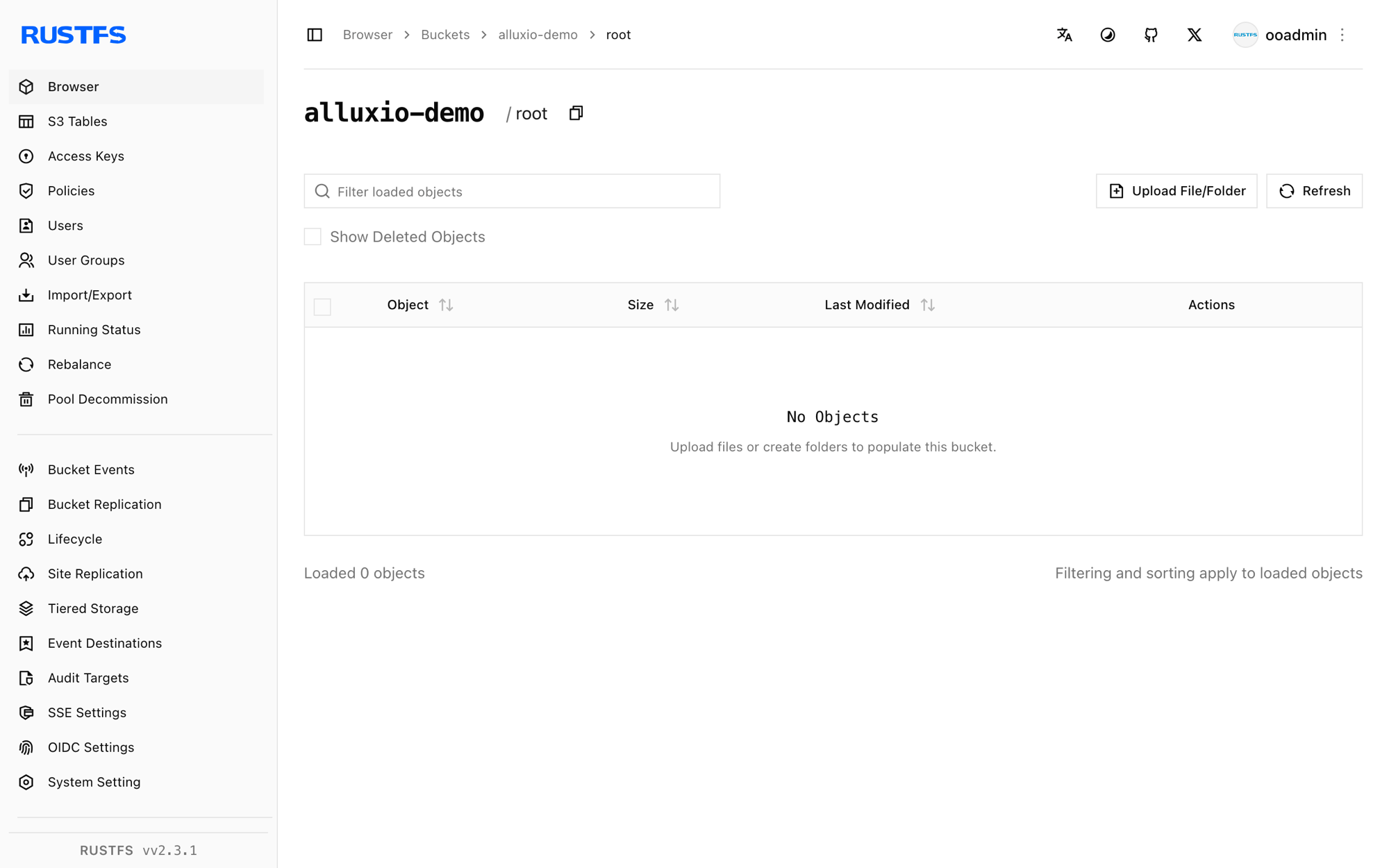
Stop or reset
docker exec alluxio alluxio fs unmount /rustfs
docker rm -f alluxio
rc rm rustfs/alluxio-demo/ --recursive --force
Troubleshooting
Worker exits with tmpfs is smaller than the configured size
The worker places its ramdisk in /dev/shm, which Docker caps at 64 MB by default. Start the container with --shm-size 2g or lower alluxio.worker.ramdisk.size.
Mount succeeds but fs ls returns InvalidAccessKeyId
The mount options used short key names (s3a.*, aws.*). Alluxio's UFS client only honors the full alluxio.underfs.s3.* keys shown in step 2.
S3 client v2 does not support global bucket access
Path-style addressing is off. Add --option alluxio.underfs.s3.disable.dns.buckets=true — the IP-style RustFS endpoint requires it.
Next steps
- Review S3 compatibility notes before adopting additional Alluxio UFS types.
- Create dedicated production credentials with Access Key Management.
- Follow the Alluxio documentation for cache policies, TTLs, and multi-tier storage on top of the same bucket.