
Rebalancing
Redistribute existing objects across active RustFS storage pools through the Console or rc.
Overview
Requirements
- Install
rcon the administration host before using thercworkflow in this guide. - Configure credentials with rebalance administration permission.
After Pool Expansion, new writes can use the added capacity, but existing objects remain in their original pools. Rebalancing moves existing objects across all active pools so their used-capacity ratios converge.
Rebalancing requires at least two active pools. RustFS rejects a new rebalance while another rebalance or a pool decommission is running. Stopping a rebalance does not move already relocated objects back to their original pools.
Before starting, verify that all nodes and disks are healthy, no decommission is active, and the cluster has enough free capacity for normal writes during the operation. Schedule the operation during a lower-traffic period because object movement consumes disk, network, and CPU resources.
Operation
Start rebalancing in the Console
- Sign in to the RustFS Console with an account that has rebalance administration permission.
- Open Rebalance.
- Review the active pools and their used-capacity ratios.
- Select Start Rebalance and confirm the operation.
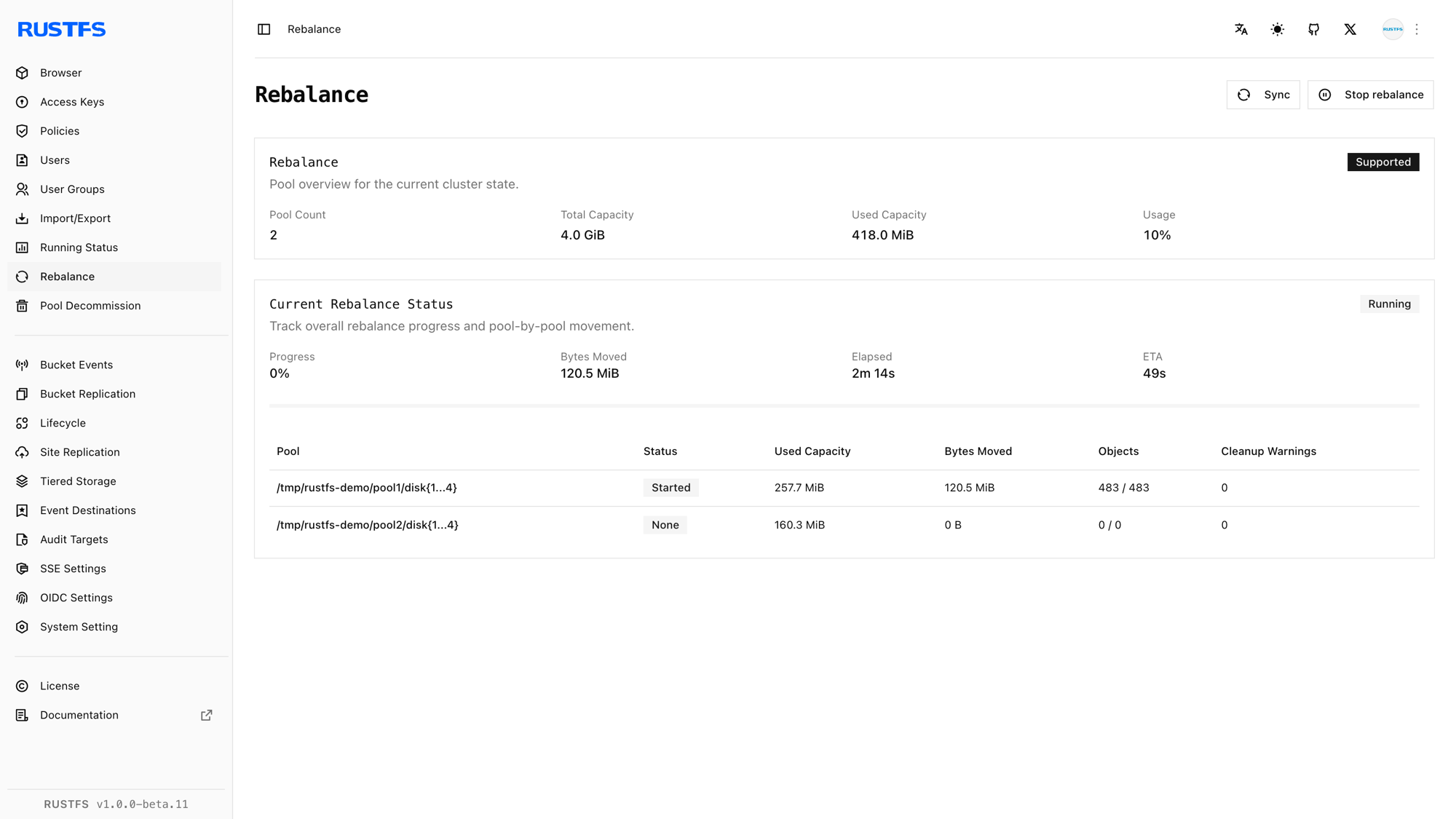
- Keep the page open or return to it periodically to review per-pool progress.
- Use Stop Rebalance only when you need to halt the operation. Data already moved remains in its new pool.
Start rebalancing with rc
Configure the cluster alias if it does not already exist:
rc alias set rustfs http://<server-ip>:9000 <your-access-key> <your-secret-key>Start the rebalance:
rc admin rebalance start rustfsCheck progress:
rc admin rebalance status rustfsThe status includes the operation ID and per-pool usage, moved bytes, object and version counts, remaining buckets, elapsed time, and estimated completion time when available.
To stop a running rebalance:
rc admin rebalance stop rustfsrc admin expand start|status|stop and the scale alias expose the same post-expansion rebalance workflow.
Verification
Verify rebalancing in the Console
Wait until the Rebalance page reports Completed. Confirm that:
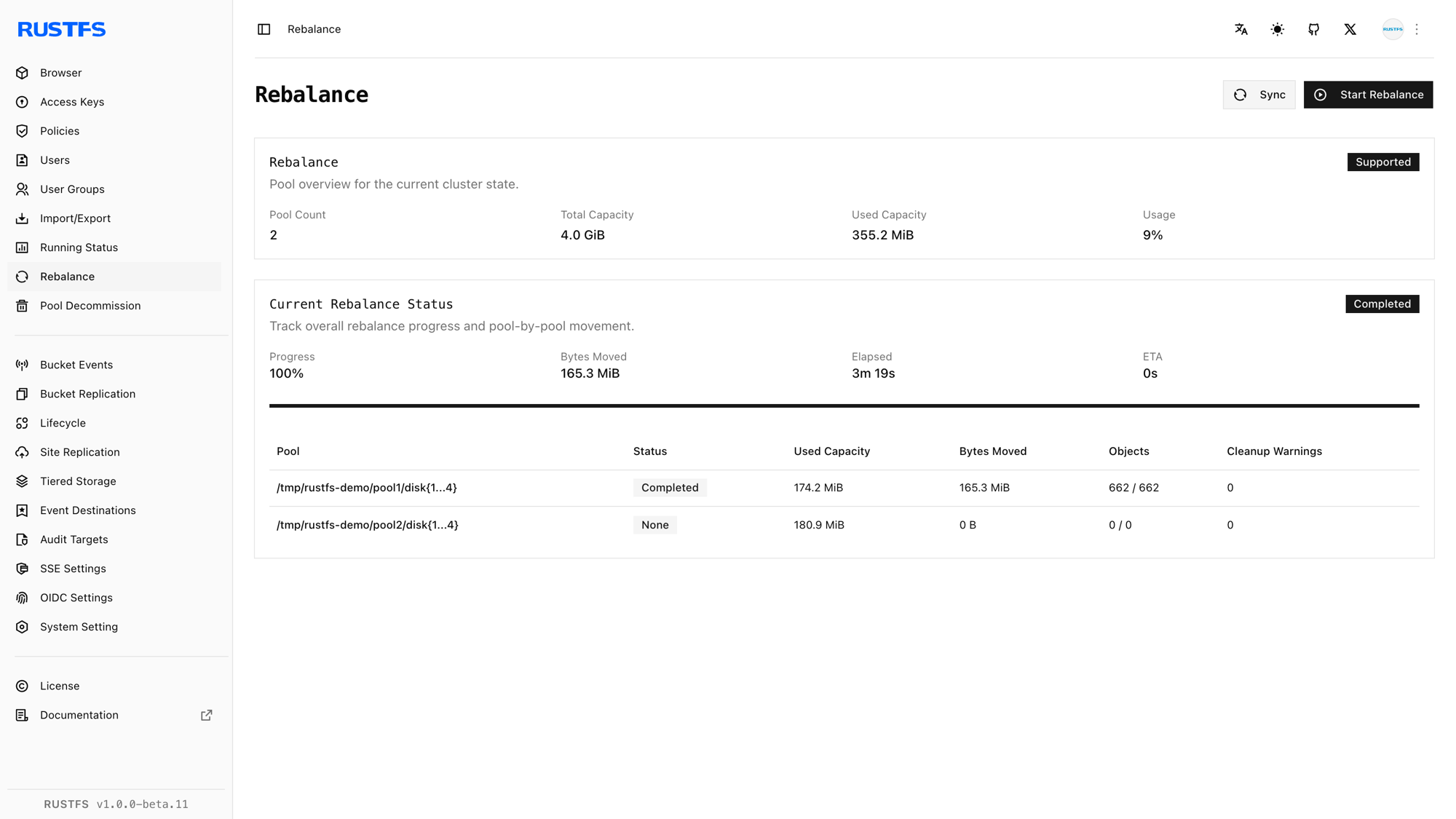
- No pool reports a failed or stopped state.
- Used-capacity ratios are closer across the active pools.
- All nodes and disks remain online.
- Normal object reads and writes succeed.
Verify rebalancing with rc
Run:
rc admin rebalance status rustfs
rc admin pool list rustfs
Verify that the rebalance status is Completed, remaining bucket counts are zero, and no failure is reported. Compare the per-pool usage ratios with the values recorded before the operation, then read an existing object and write a new test object through the S3 endpoint.