
LanceDB
Store and query LanceDB vector tables directly on RustFS.
This guide connects LanceDB — the open-source vector database built on the Lance columnar format — to RustFS as its storage backend. You will create a vector table directly at an s3:// location, add rows, run a vector search, and confirm the Lance table files in the bucket. The workflow was verified with the lancedb Python package against rustfs/rustfs-x86-musl:v2.3.1.
You need Python 3.9 or newer. This deployment is intended for local integration testing, not production.
Architecture
LanceDB is embedded: there is no server to run. The Python (or Rust, or JavaScript) client talks to the bucket directly, storing each table as a *.lance directory with data fragments, version manifests, and transaction logs.
Install the client
pip install lancedbCreate a table on RustFS
Connect straight to the bucket and create a table, replacing all connection placeholders. The storage_options keys follow Lance's object-store conventions; custom endpoints use path-style addressing:
import lancedb

storage_options = {
    "endpoint": "http://<your-rustfs-endpoint>:9000",
    "access_key_id": "<your-access-key>",
    "secret_access_key": "<your-secret-key>",
    "region": "us-east-1",
    "allow_http": "true",
}

db = lancedb.connect("s3://<your-bucket>/tables", storage_options=storage_options)

rows = [{"id": i, "label": f"row-{i}", "vector": [float(i) / 10, 0.5, 0.25, 0.1] * 2}
        for i in range(5)]
table = db.create_table("events", data=rows)
print("created:", table.count_rows(), "rows")

table.add([{"id": 99, "label": "query-target", "vector": [0.9, 0.5, 0.25, 0.1] * 2}])
print("after add:", table.count_rows(), "rows")created: 5 rows
after add: 6 rowsThe table URI uses the s3://bucket/prefix form; every write and read goes to RustFS over its S3 API.
Run a vector search
import lancedb

db = lancedb.connect("s3://<your-bucket>/tables", storage_options=storage_options)
table = db.open_table("events")

res = table.search([0.9, 0.5, 0.25, 0.1] * 2).limit(3).to_list()
print("top3:", [(r["id"], r["label"]) for r in res])
print("version:", table.version)top3: [(99, 'query-target'), (4, 'row-4'), (3, 'row-3')]
version: 2The nearest neighbor is the row added in the previous step, and the version counter reflects the two commits (create and add).
Verify objects in RustFS
List the table prefix:
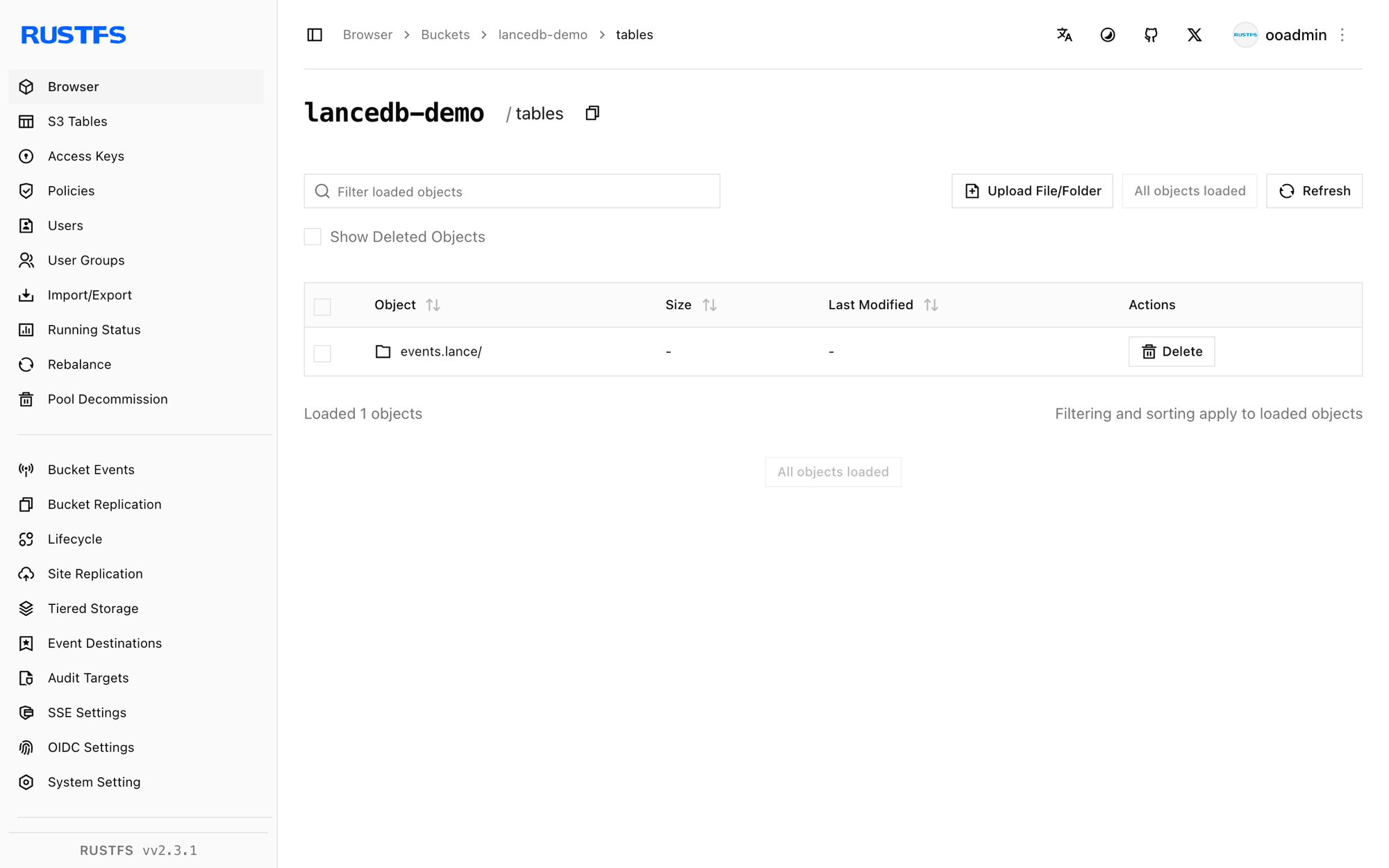
rc ls rustfs/<your-bucket>/ -rEach table is a .lance directory holding data fragments, version manifests, and transaction records:
tables/events.lance/_transactions/0-b93cf795-fc3d-4bc9-88c8-e37baeefdd46.txn
tables/events.lance/_versions/18446744073709551613.manifest
tables/events.lance/data/101101011110110010000100e7a149411b847dbad6ebc7d47e.lance
Multiple tables share the bucket under the tables/ prefix, so one bucket can back an entire LanceDB workspace.
Stop or reset
LanceDB holds no server state. To delete the table:
rc rm rustfs/<your-bucket>/tables/ --recursive --forceTroubleshooting
Connection or signature errors on first use
Confirm endpoint includes the scheme, allow_http is "true" for plain-HTTP endpoints, and the bucket exists. The region value is required by the S3 signer even though RustFS ignores it.
Table not found after creating it
LanceDB lists the bucket prefix to discover tables. A stale client cache or a wrong tables/ prefix in the URI makes new tables invisible; reconnect with the same URI used at creation time.
Slow bulk loads over the network
Lance writes one fragment per commit. For large imports, batch rows into fewer table.add calls — each call produces a new data file in the bucket.
Next steps
- Review S3 compatibility notes before adopting additional LanceDB storage options.
- Create dedicated production credentials with Access Key Management.
- Follow the LanceDB documentation for ANN indexes, hybrid search, and multi-tenant bucket layouts on top of the same backend.