
vLLM
Serve LLM inference with vLLM loading model weights stored in RustFS.
This guide connects vLLM — the high-throughput LLM inference engine — to RustFS as its model-weight store. You will upload a model into a RustFS bucket, expose the bucket to the vLLM host through an rclone mount, and serve the model with the OpenAI-compatible API. The workflow was verified with vllm/vllm-openai-cpu (vLLM 0.30.0) serving facebook/opt-125m from a RustFS bucket backed by rustfs/rustfs-x86-musl:v2.3.1, on a CPU-only host.
You need Docker and an rclone binary on the host that runs vLLM. This deployment is intended for local integration testing, not production.
Architecture
The bucket is the single copy of the model. Hosts that serve the model mount the bucket read-only, so every node pulls weights from RustFS and no local model store exists to drift.
Why an rclone mount
vLLM 0.30 loads s3:// model paths through the RunAI model streamer, whose ranged reads currently fail against custom S3 endpoints such as RustFS (the loader errors with File access error on any non-zero offset). Mounting the bucket as a filesystem is the verified way to keep the weights in RustFS while vLLM reads them as local files.
Upload the model to RustFS
Create the bucket and copy model weights into it, replacing all connection placeholders:
[rustfs]
type = s3
provider = Other
access_key_id = <your-access-key>
secret_access_key = <your-secret-key>
endpoint = http://<your-rustfs-endpoint>:9000
region = us-east-1
rc mb rustfs/vllm-models
rclone copy ./opt-125m rustfs:vllm-models/opt-125m --transfers 4Any Hugging Face layout works — config.json, the tokenizer files, and the weight files (model.safetensors or pytorch_model.bin). Keep one model per prefix so several models can share the bucket.
Mount the bucket on the vLLM host
On the machine that runs vLLM, mount the bucket read-only for clients with --allow-other:
mkdir -p /mnt/vllm-models
rclone mount rustfs:vllm-models /mnt/vllm-models \
  --allow-other --daemon
ls /mnt/vllm-models/opt-125m/
config.json merges.txt model.safetensors tokenizer.json vocab.jsonRun vLLM
Start the CPU image against the mounted weights:
docker run -d --name vllm -p 8000:8000 --shm-size=2g \
  -v /mnt/vllm-models:/models:ro \
  vllm/vllm-openai-cpu:latest \
  --model /models/opt-125m --served-model-name opt-125m \
  --dtype float32 --max-model-len 256 --gpu-memory-utilization 0.15
vLLM reads the weights through the mount — the container stays stateless and the model lives in RustFS. Wait for the server to come up:
curl -s http://localhost:8000/v1/models | head -c 200{"object":"list","data":[{"id":"opt-125m","object":"model","created":...,"root":"/models/opt-125m",...}]}--gpu-memory-utilization controls the fraction of RAM reserved for the KV cache on the CPU backend; lower it on small hosts. --dtype float32 matches what the CPU attention kernels support for this model.
Run inference
Send an OpenAI-compatible completion request:
curl -s http://localhost:8000/v1/completions \
  -H "Content-Type: application/json" \
-d '{"model": "opt-125m", "prompt": "RustFS is", "max_tokens": 12, "temperature": 0}'{"id":"cmpl-...","object":"text_completion","model":"opt-125m",
"choices":[{"index":0,"text":" a great tool for building your own server. It's a",
"finish_reason":"length",...}]}The request is standard OpenAI schema, so the Python client works unchanged:
from openai import OpenAI

client = OpenAI(base_url="http://localhost:8000/v1", api_key="EMPTY")
print(client.completions.create(
    model="opt-125m", prompt="RustFS is", max_tokens=12, temperature=0,
).choices[0].text)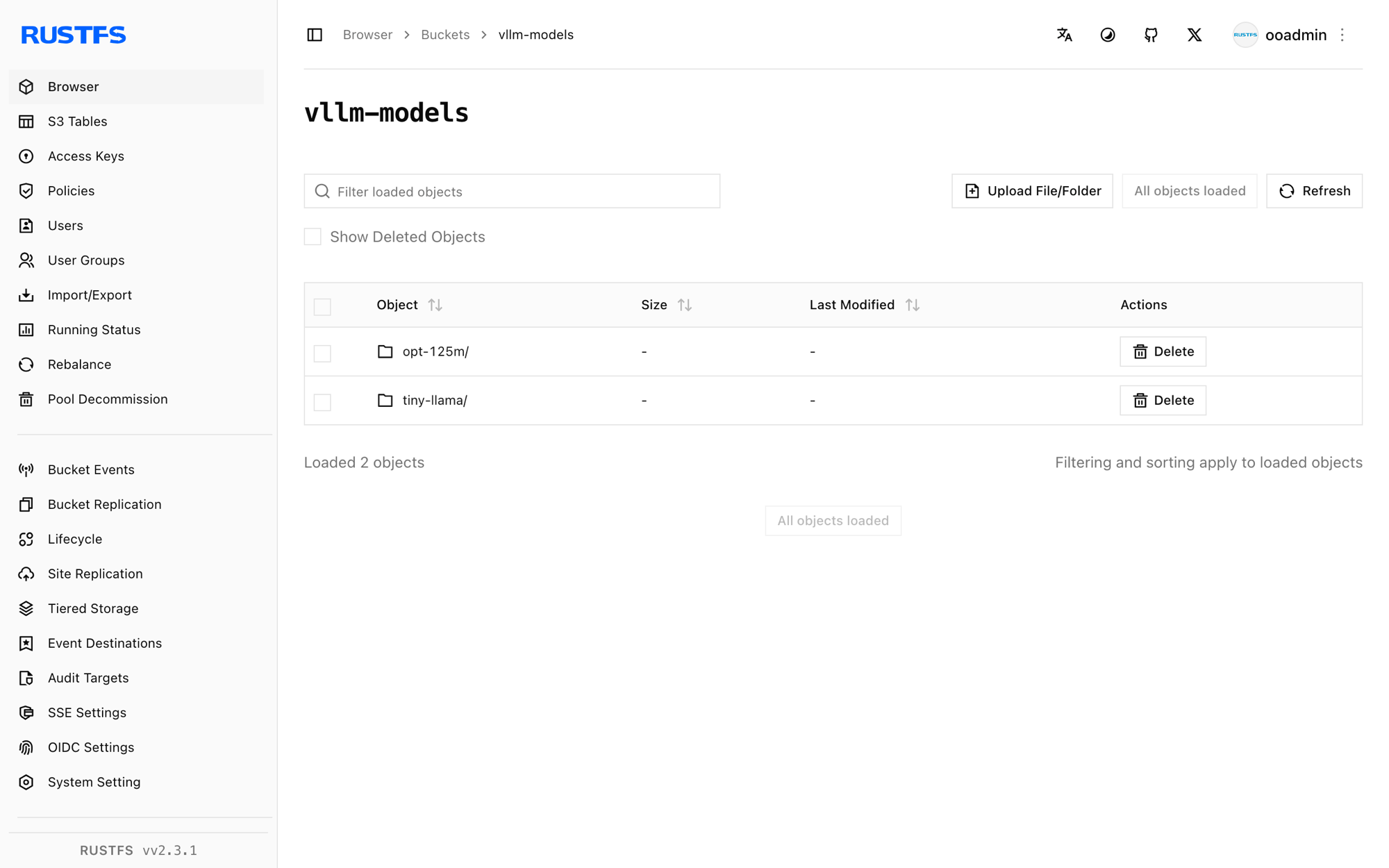
Stop or reset
To tear down the demo while keeping the bucket objects:
docker rm -f vllm
fusermount -u /mnt/vllm-models
To delete the stored model:
rclone purge rustfs:vllm-modelsTroubleshooting
Cannot find any model weights with /models/...
The mount had a stale directory cache or the weight files never made it to the bucket. Re-run rclone copy and confirm the files through the mount with ls before starting vLLM. A short --dir-cache-time (for example 10s) helps while you iterate.
Unsupported CPU attention configuration: head_dim=...
vLLM's CPU kernels support a fixed set of head dimensions. Tiny test models such as hf-internal-testing/tiny-random-* use exotic shapes that fail at request time — use a real small model such as facebook/opt-125m.
Insufficient space in /dev/shm
vLLM's CPU engine exchanges tensors through shared memory. Run the container with --shm-size=2g (or --ipc=host).
Server exits with Available memory on node 0 ... is less than desired CPU memory utilization
The default KV-cache reservation is 90% of system RAM. Lower it with --gpu-memory-utilization 0.15 (the flag applies to the CPU backend as a memory fraction despite its name).
Next steps
- Review S3 compatibility notes before adopting additional serving setups.
- Create dedicated production credentials with Access Key Management.
- Follow the vLLM documentation for chat templates, tensor parallelism, and quantized weights on top of the same bucket-backed model store.