
GreptimeDB
Run GreptimeDB with RustFS as the S3-compatible object storage backend.
This guide connects GreptimeDB — the open-source, cloud-native time-series database — to RustFS as its object storage backend. You will start a standalone instance with its [storage] section pointed at a RustFS bucket, write time-series rows through the SQL API, and confirm the Parquet files and manifests in the bucket. The workflow was verified with greptime/greptimedb (main, commit 179ff8e5) against rustfs/rustfs-x86-musl:v2.3.1.
You need Docker, or a local GreptimeDB binary. This deployment is intended for local integration testing, not production.
Architecture
GreptimeDB keeps its write-ahead log and recent data locally, then persists SSTables (Parquet) and table manifests to object storage. Pointing the storage backend at RustFS makes the bucket the durable home of all table data.
Configure the storage backend
Create the bucket and a config file with an S3 storage section, replacing all connection placeholders:
[storage]
type = "S3"
bucket = "<your-bucket>"
root = "greptimedb"
access_key_id = "<your-access-key>"
secret_access_key = "<your-secret-key>"
endpoint = "http://<your-rustfs-endpoint>:9000"
region = "us-east-1"
GreptimeDB uses path-style requests for custom endpoints by default; virtual-hosted style must be opted into explicitly with enable_virtual_host_style, so no extra flag is needed for RustFS.
Run GreptimeDB
Start a standalone instance with the config file:
docker run -d --name greptimedb --network oo-rustfs_default -p 4000:4000 -p 4002:4002 \
  -v "$PWD/greptimedb.toml":/etc/greptimedb/greptimedb.toml:ro \
  greptime/greptimedb:latest standalone start \
  --http-addr 0.0.0.0:4000 \
  --mysql-addr 0.0.0.0:4002 \
  --config-file /etc/greptimedb/greptimedb.toml
Port 4000 serves the HTTP SQL endpoint and 4002 the MySQL protocol.
Write and query time series
Create a table, insert rows, and read them back. The HTTP SQL endpoint takes form-encoded requests:
curl -s -X POST "http://localhost:4000/v1/sql" \
  --data-urlencode "sql=CREATE TABLE rustfs_demo (host STRING, cpu DOUBLE, mem DOUBLE, ts TIMESTAMP TIME INDEX)"

curl -s -X POST "http://localhost:4000/v1/sql" \
--data-urlencode "sql=INSERT INTO rustfs_demo VALUES (\"node-1\", 0.31, 0.62, 1790681000000), (\"node-1\", 0.35, 0.63, 1790681060000), (\"node-2\", 0.51, 0.71, 1790681000000)"{"output":[{"affectedrows":3}],"execution_time_ms":2}Query the rows back:
curl -s -X POST "http://localhost:4000/v1/sql" \
--data-urlencode "sql=SELECT * FROM rustfs_demo ORDER BY ts"{"output":[{"records":{"rows":[["node-2",0.51,0.71,1790681000000],["node-1",0.35,0.63,1790681060000]],"total_rows":2}}]}Verify objects in RustFS
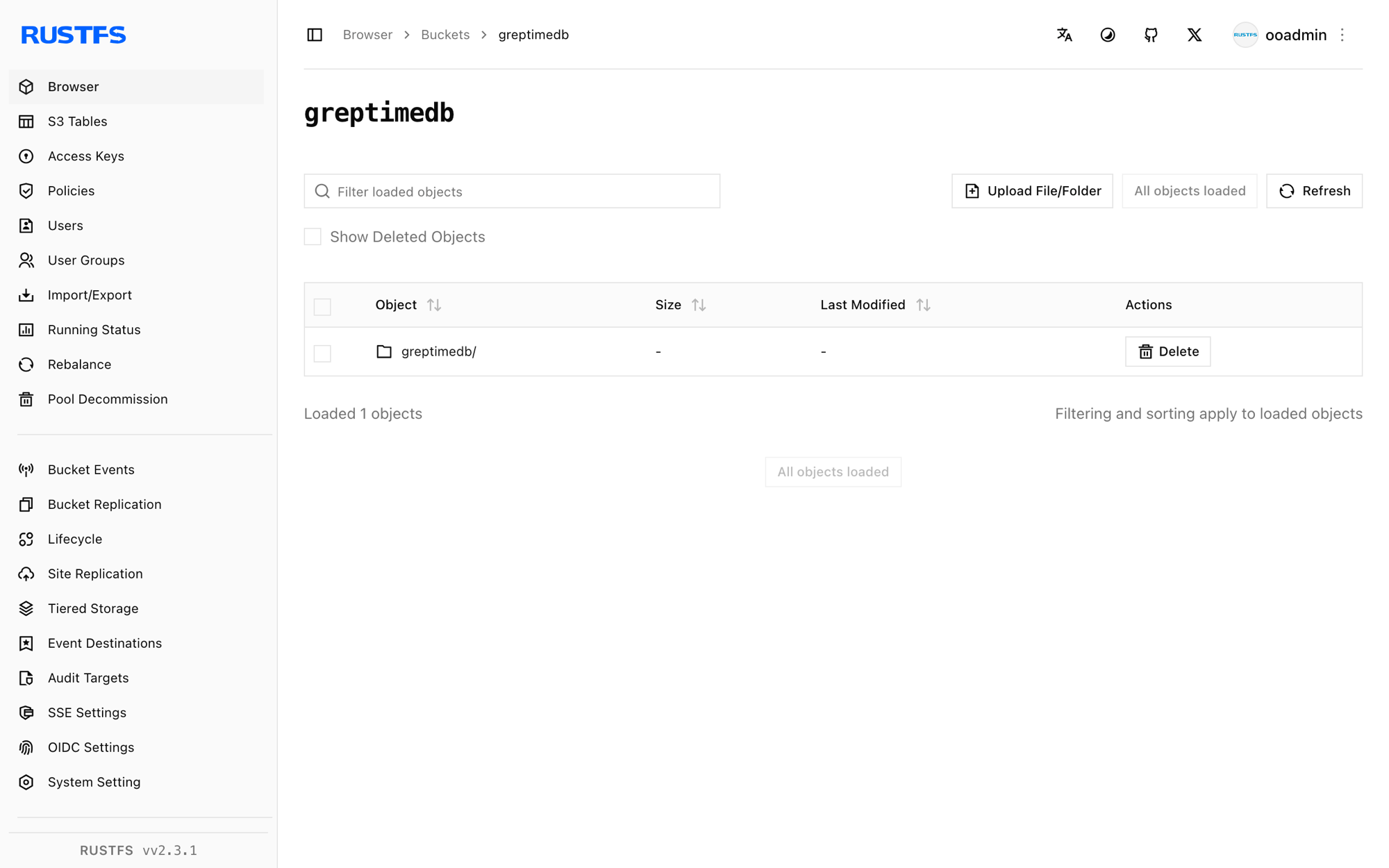
List the bucket — after the memtable flushes, the bucket holds Parquet SSTables and JSON manifests:
rc ls rustfs/<your-bucket>/ -rgreptimedb/data/greptime/public/1024/1024_0000000000/manifest/00000000000000000000.json
greptimedb/data/greptime/greptime_private/1025/1025_0000000000/b11e8b25-5763-4f05-bcab-b6ee0a756a69.parquet
greptimedb/data/greptime/greptime_private/1025/1025_0000000000/manifest/00000000000000000001.jsonEach database gets a directory under data/, and per-region manifest/*.json files describe the SSTables GreptimeDB reads back during queries.
Stop or reset
To tear down the demo while keeping the bucket objects:
docker rm -f greptimedbTo delete the stored data:
rc rm rustfs/<your-bucket>/ --recursive --forceTroubleshooting
Form requests must have Content-Type: application/x-www-form-urlencoded
The /v1/sql HTTP endpoint only accepts form-encoded bodies. Pass SQL with curl --data-urlencode "sql=..." (or application/x-www-form-urlencoded), not as a JSON body.
Bucket stays empty
GreptimeDB flushes memtables to object storage asynchronously. Run a few more inserts and wait a few seconds, or trigger a manual flush, then list the bucket again.
Startup fails with an S3 error
Confirm endpoint includes the scheme, the bucket exists, and access_key_id/secret_access_key match a RustFS access key. The root value is optional but keeps the table tree under a known prefix.
Next steps
- Review S3 compatibility notes before adopting additional GreptimeDB storage options.
- Create dedicated production credentials with Access Key Management.
- Follow the GreptimeDB configuration reference to tune flush intervals and cache layers for production workloads.